Set up in minutes.
Here is exactly what to expect from the moment you open Parentlog to your first log entry.
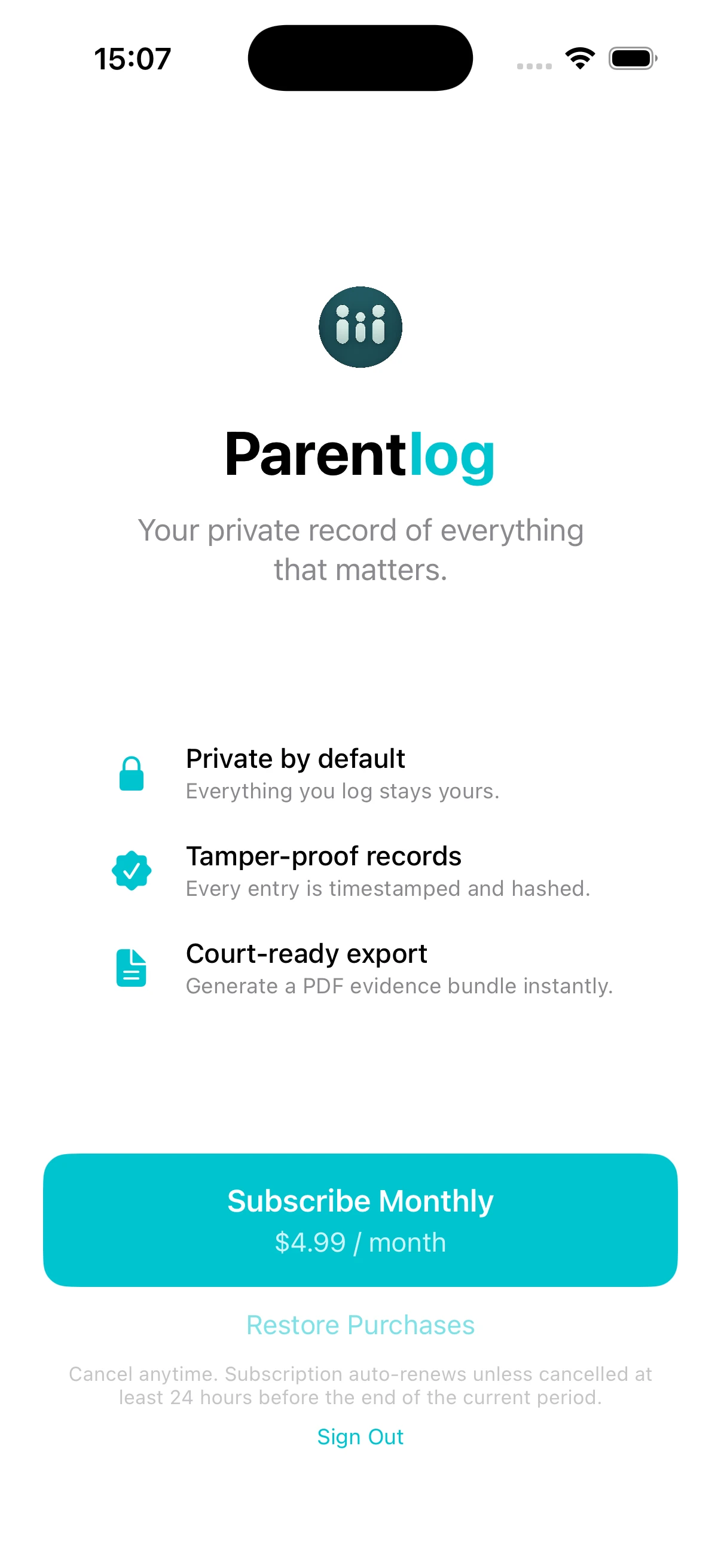
Create your account and start free
Create your account by signing in with your email or Apple ID. Your 14-day free trial starts immediately, with no payment required until it ends. Apple handles billing through your existing App Store account, so there's nothing to set up. You'll also choose a display name, which is what appears on your records.
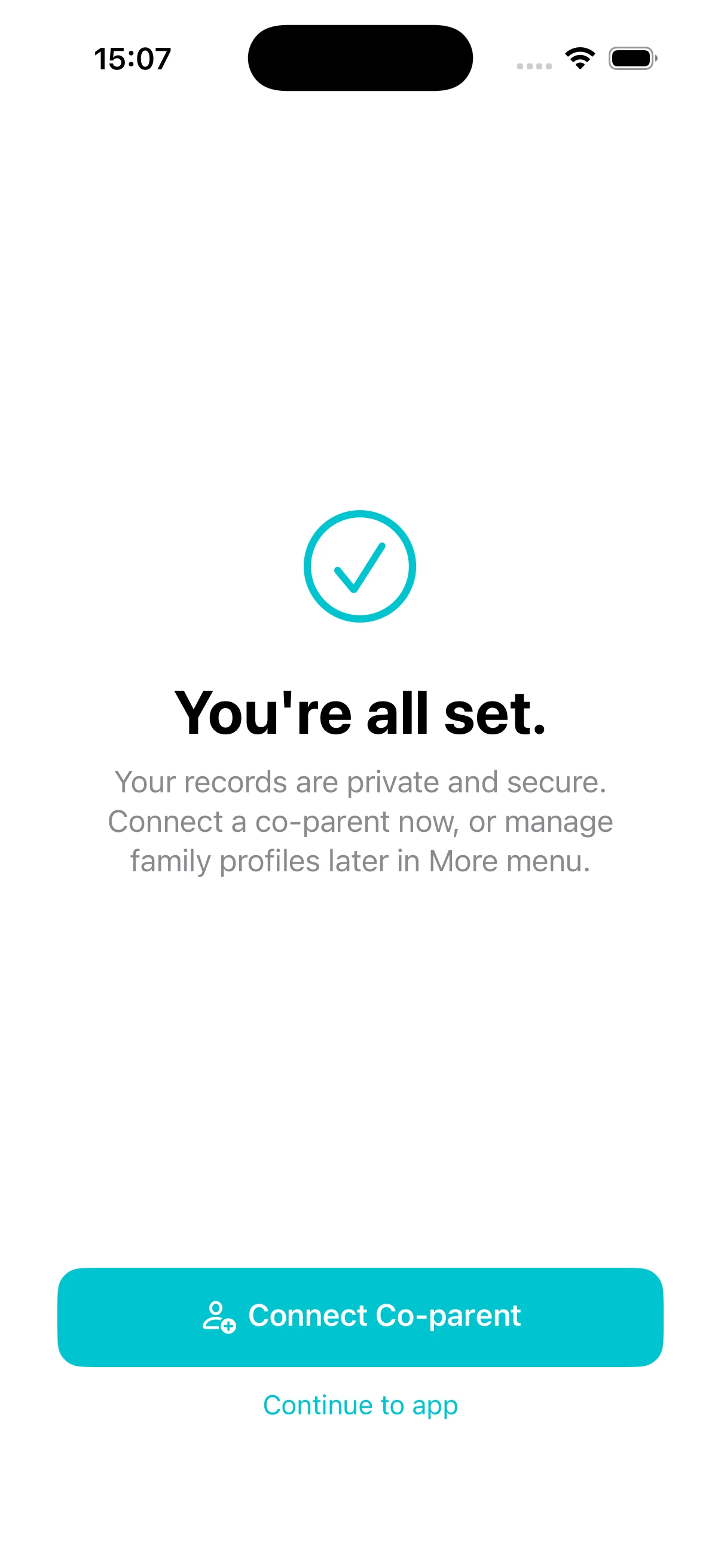
Your private vault is ready
With your display name set, your private vault is ready. From this screen, you can send an invitation to your co-parent or continue straight into the app. Pairing is entirely optional, and the invitation is always available from within the app whenever you are ready.
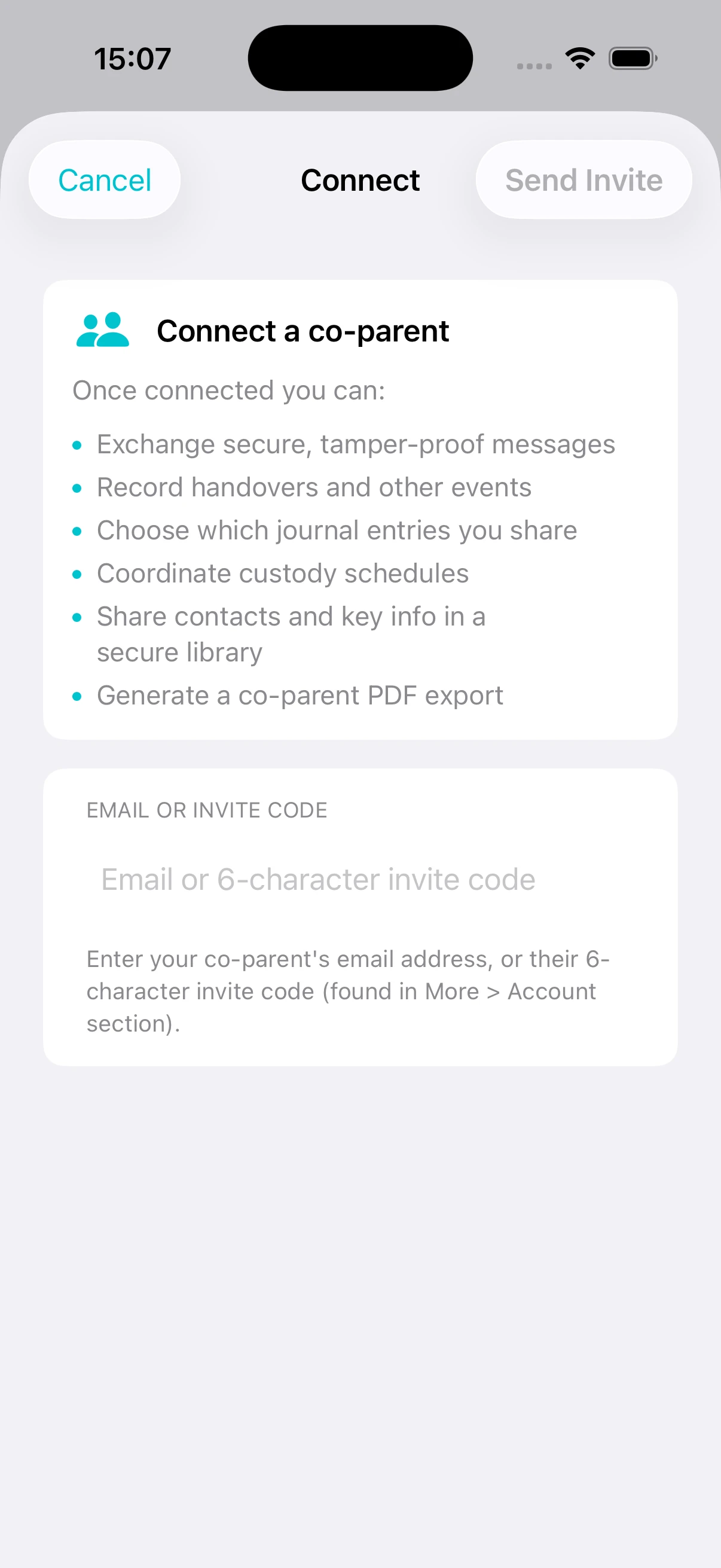
Invite a co-parent
To connect with a co-parent, send an invitation by email or share an invite code directly with them. Connecting unlocks shared features for future records, including joint handovers, expense requests, shared schedules, in-app messages, and co-parent exports. Pairing does not expose anything you have already recorded. Your private history stays private, and theirs does too. Start with a journal entry, log an expense, or record a handover. Your records are permanent from the moment you create them.
Ready to start?
Download Parentlog and begin your 14-day free trial.

Requires iOS 16 or later